Sign up for an intensive
From the app or the site, your call. A couple of taps is all it takes.
- 01
From the home page, Sign up
In the Intensives section tap Sign up and enter the email you registered with: we'll send you the link to access your page.

- 02
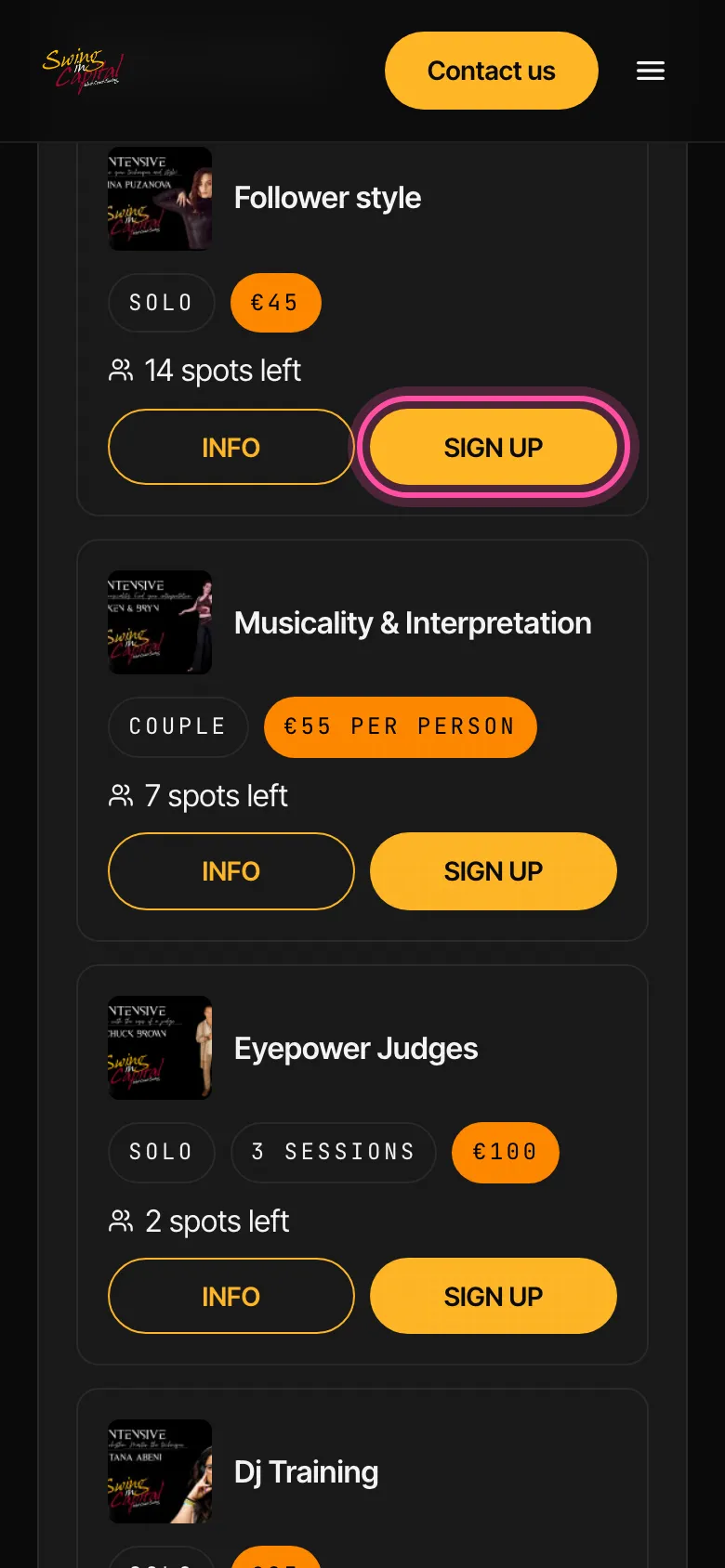
From your page, pick one
Spots left, solo or as a couple, price per person. Tap Sign up on the one you want.
- 03
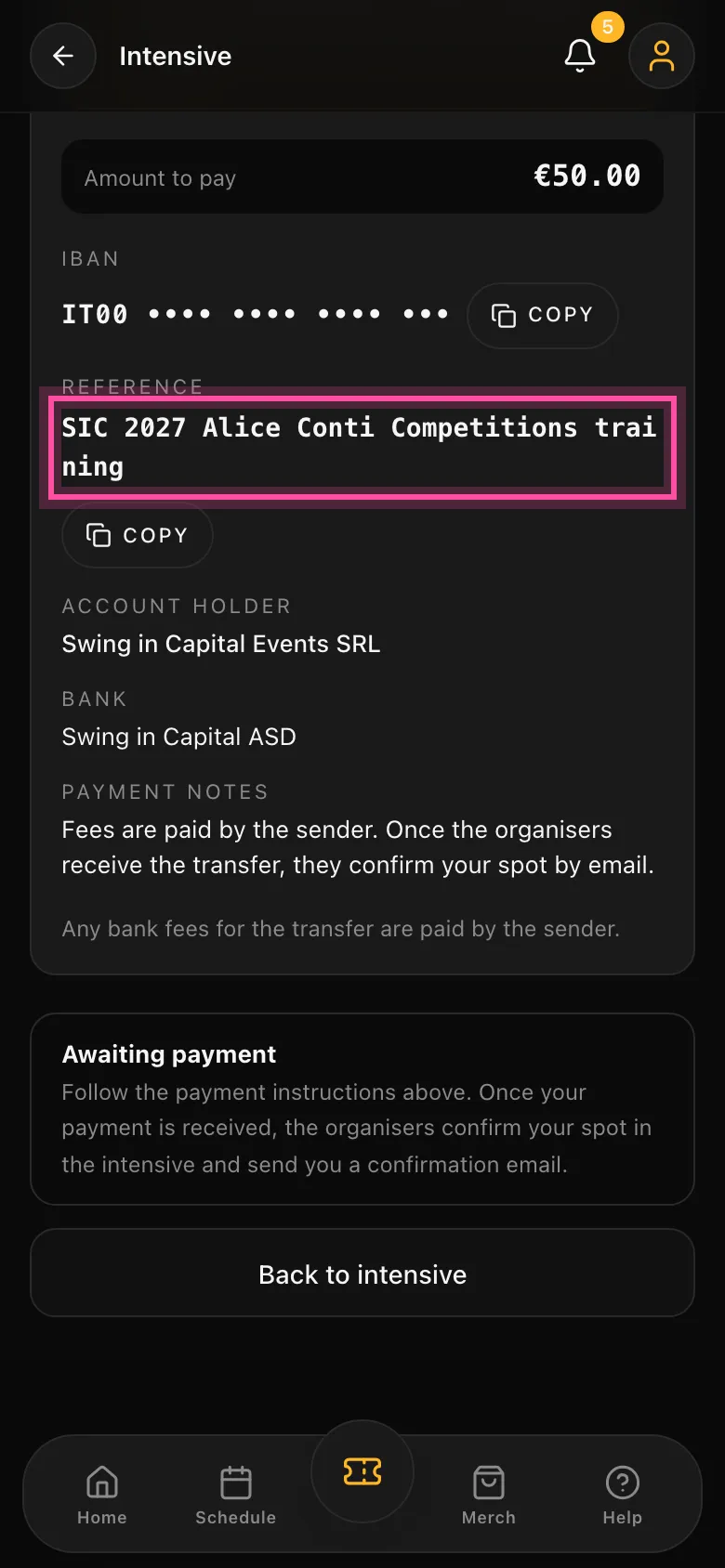
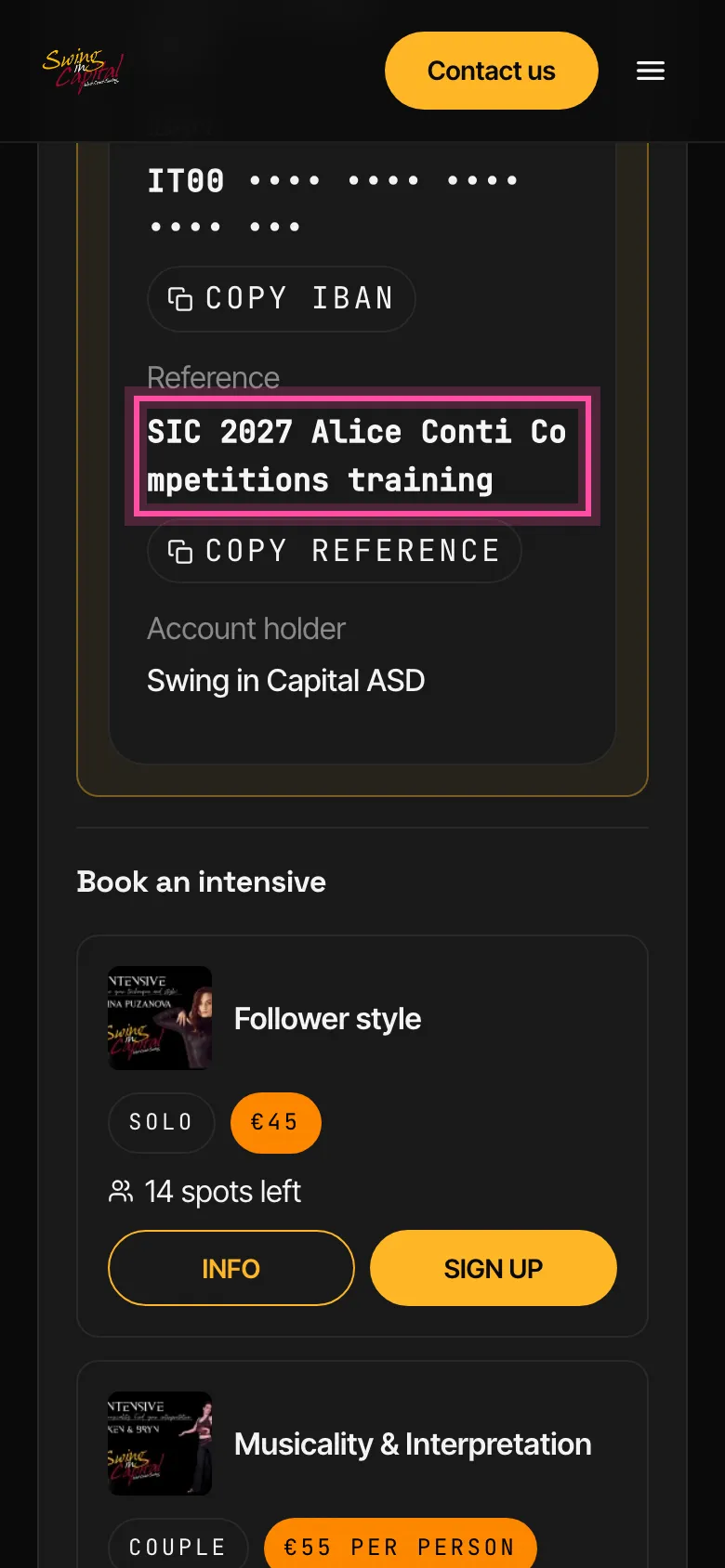
Go ahead and pay
Copy the payment details, already filled in on your page.
Go to the intensives
You can sign up for intensives once your event registration has been accepted.
See the intensives- 01
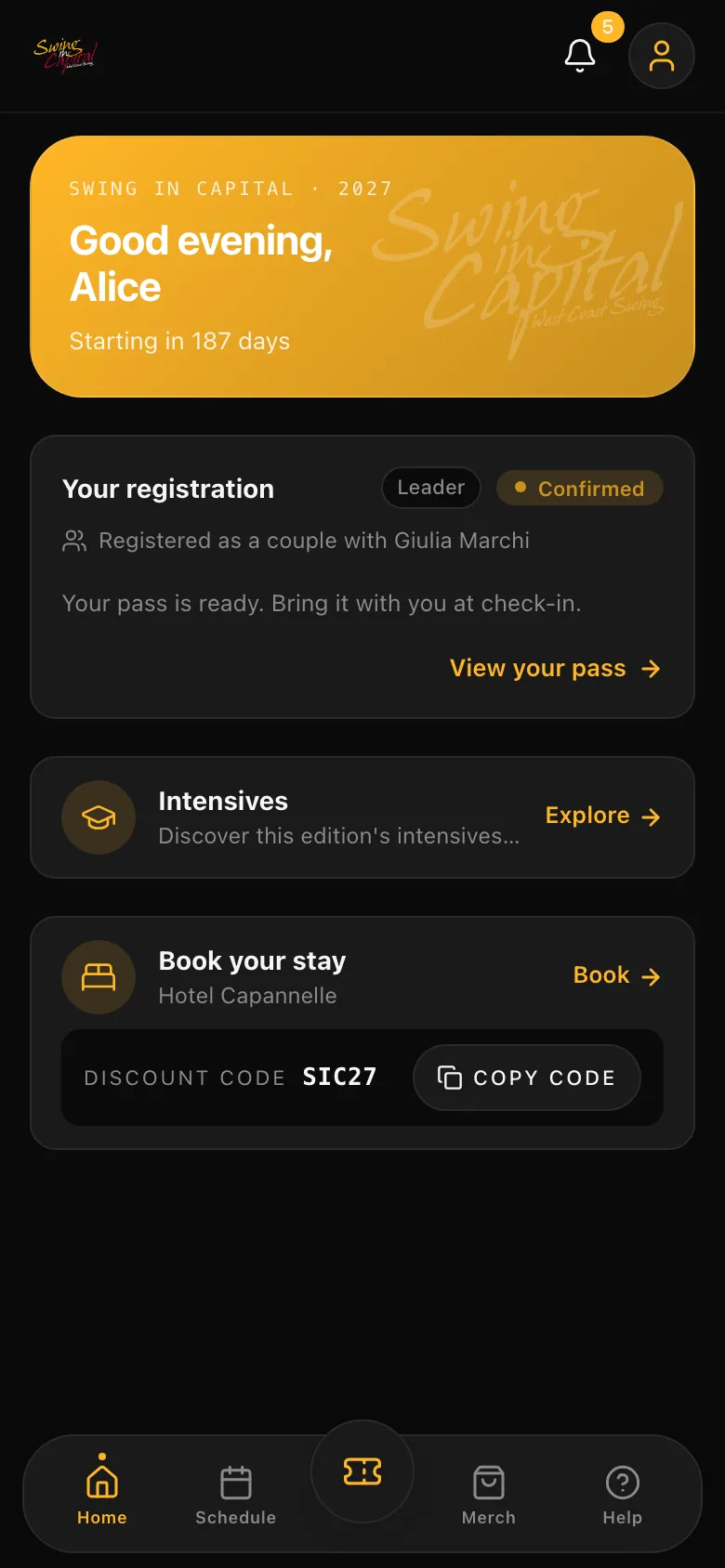
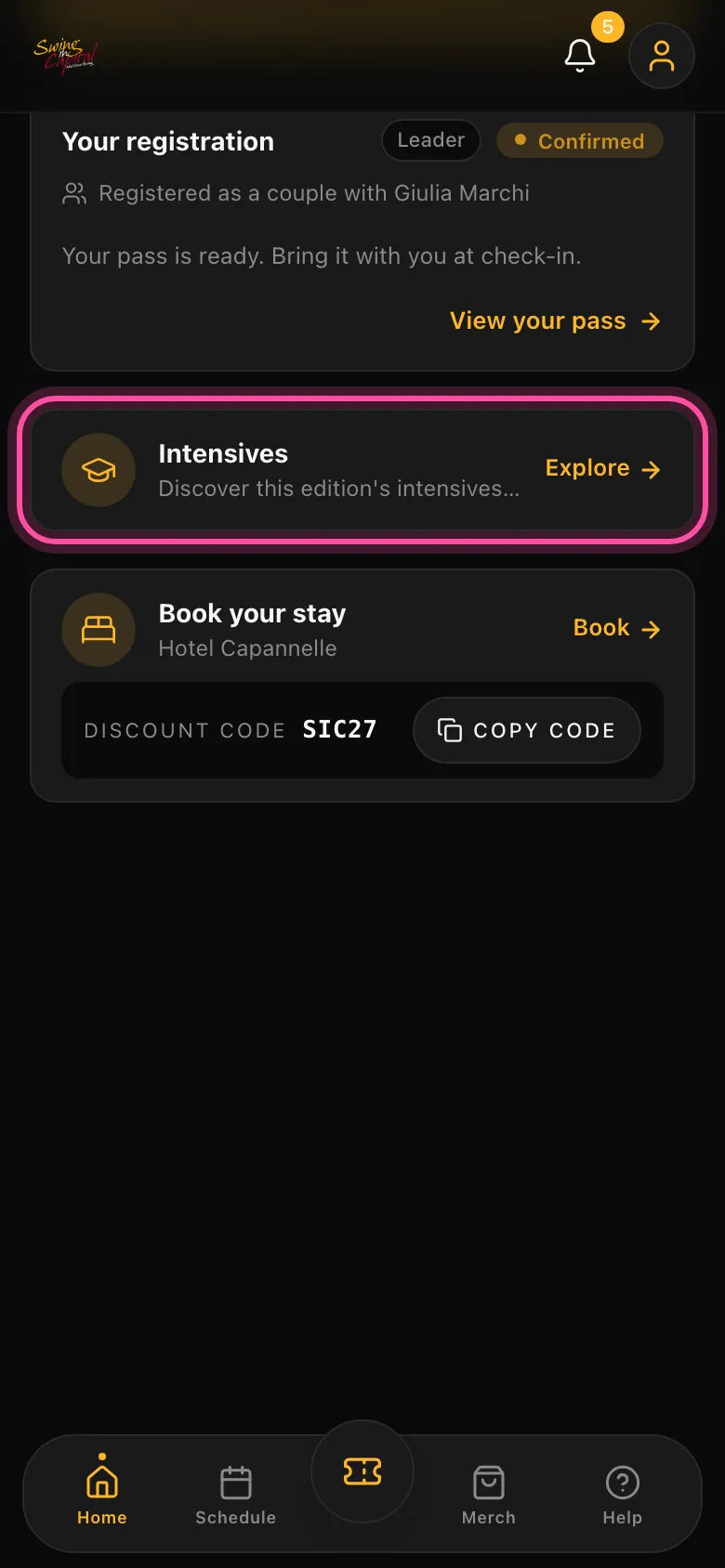
From the home screen, tap Intensives
The app's home screen has an Intensives card: tap Explore.
- 02
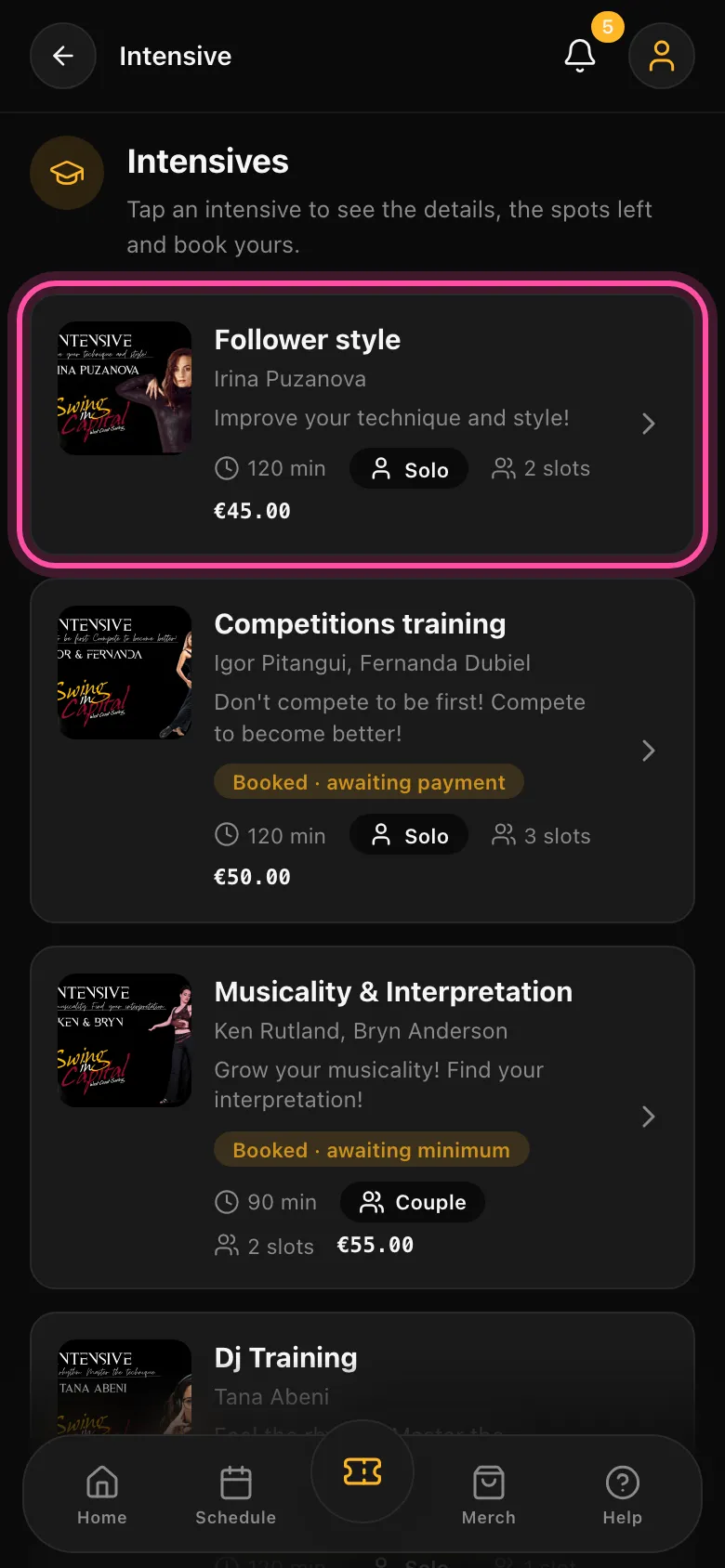
Pick one
Who is teaching, how long, how much and how many spots are left: all in one list.
- 03
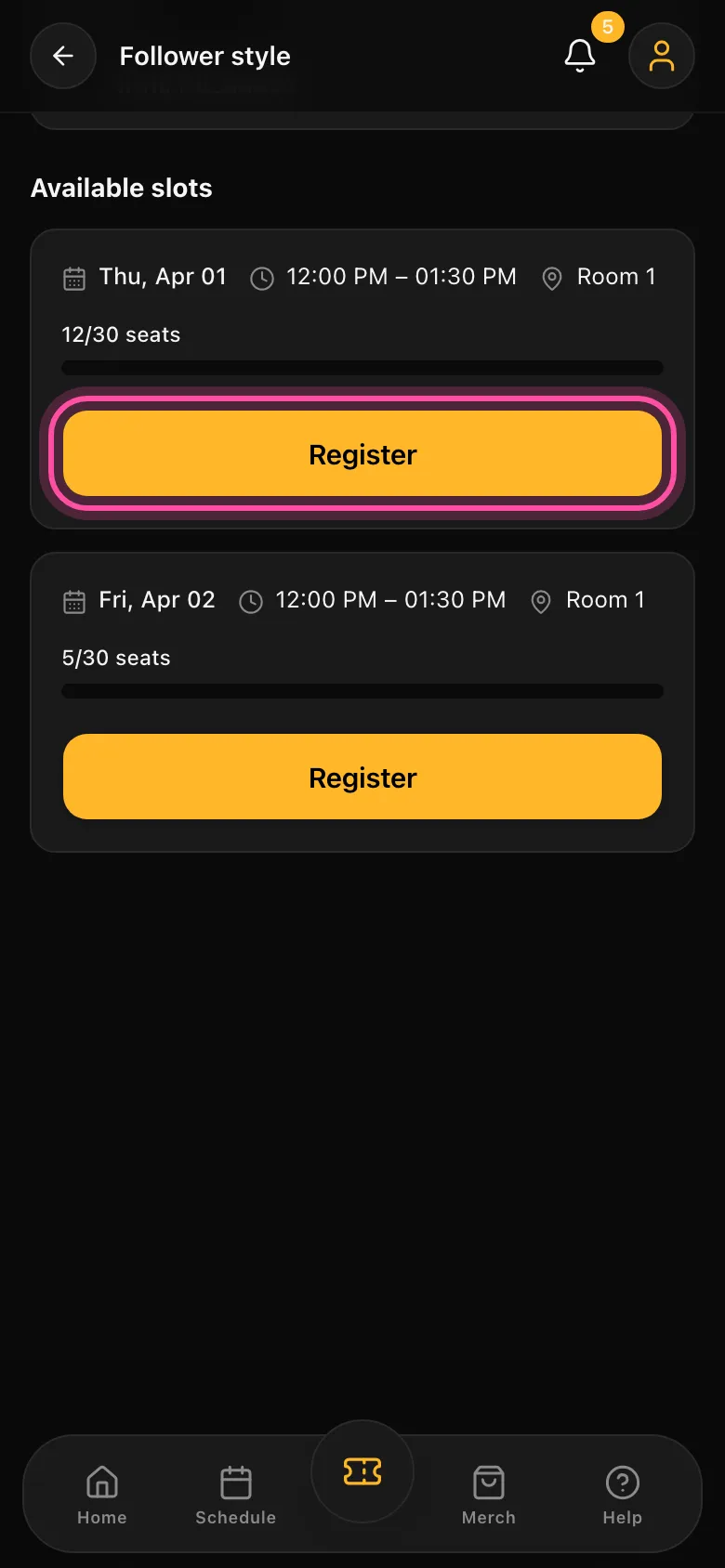
Tap Register
Pick a time slot and tap Register. As a couple? Each of you signs up alone: just enter the email your partner registered with.
- 04
Pay in the app
Amount, bank details and reference are right there. Full? You join the waiting list and we ping you when a spot opens.