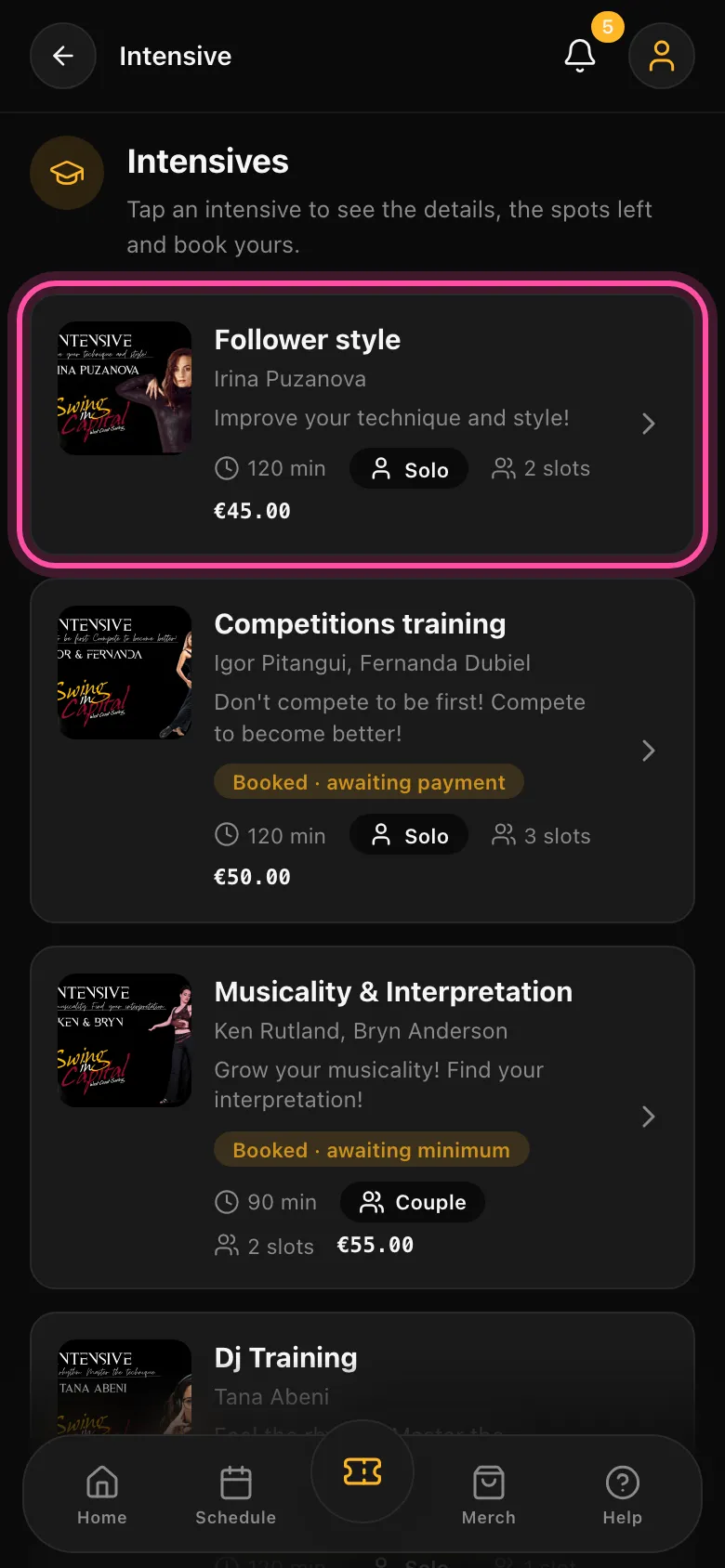
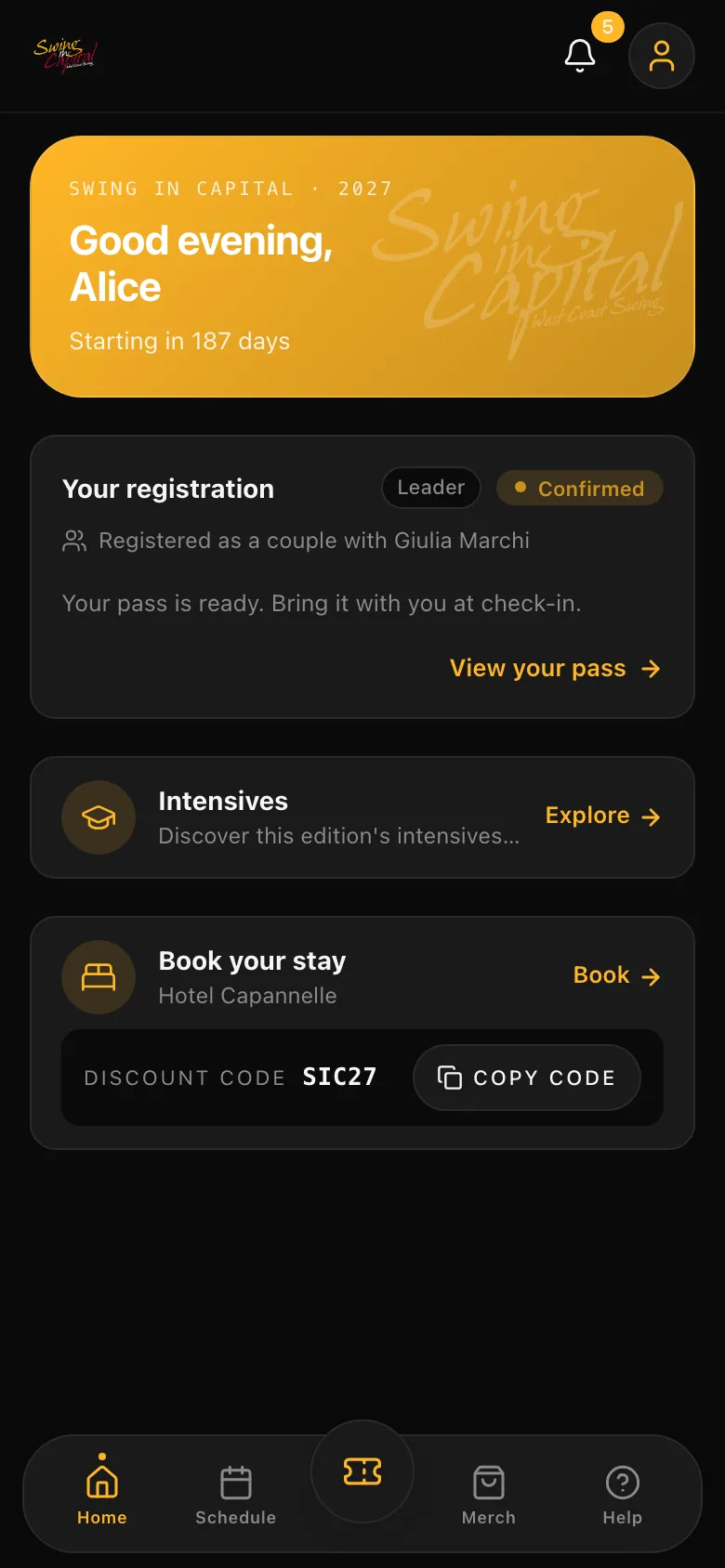
Register in 3 minutes
From your phone or your computer: a few steps, no account, no password.
Registration opens on October 1 at 06:30 PM
- 01
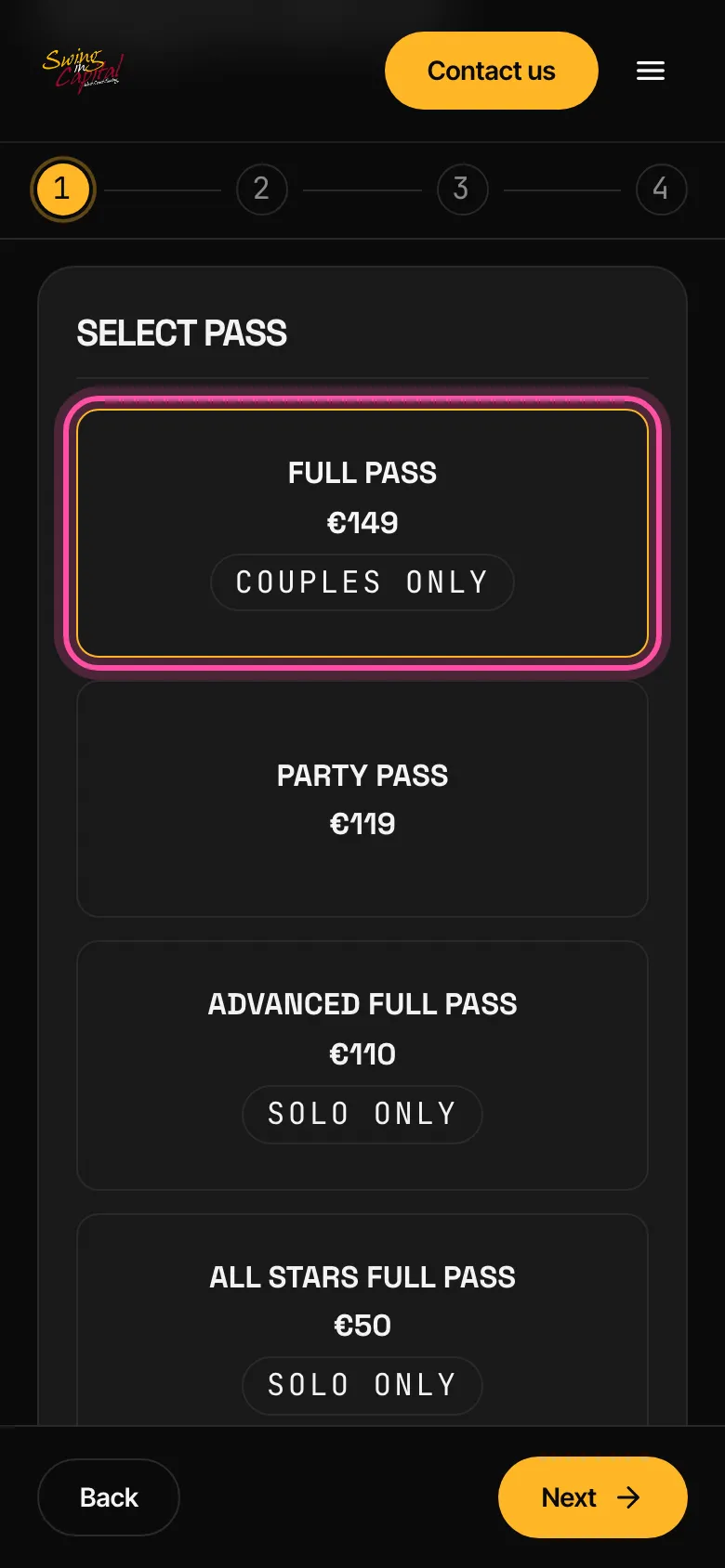
Pick your pass
Every pass of the edition, with what it includes. The price you see is the current tier: no surprises at the end.
- 02
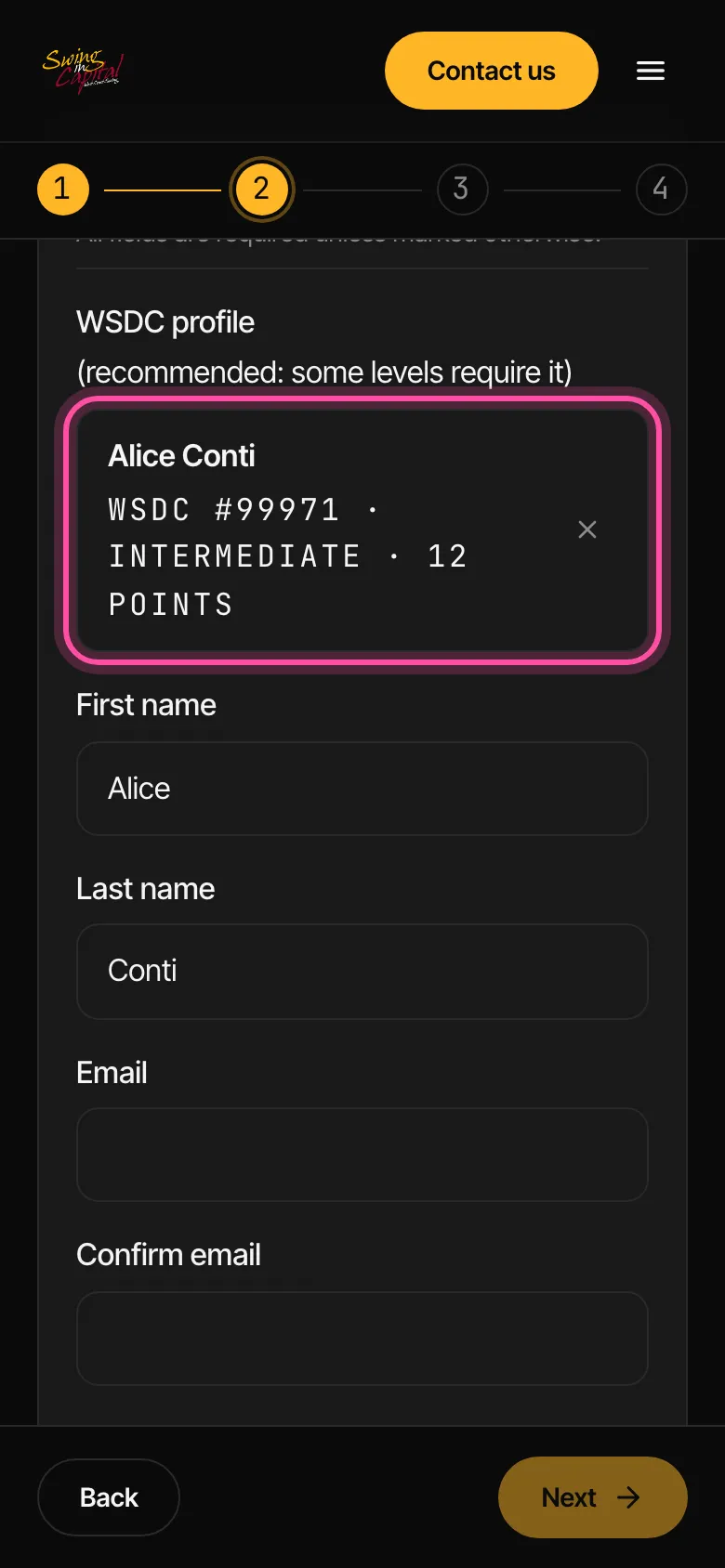
Your details, once
Type your name: we find your WSDC profile and fill in level, points and role for you.
- 03
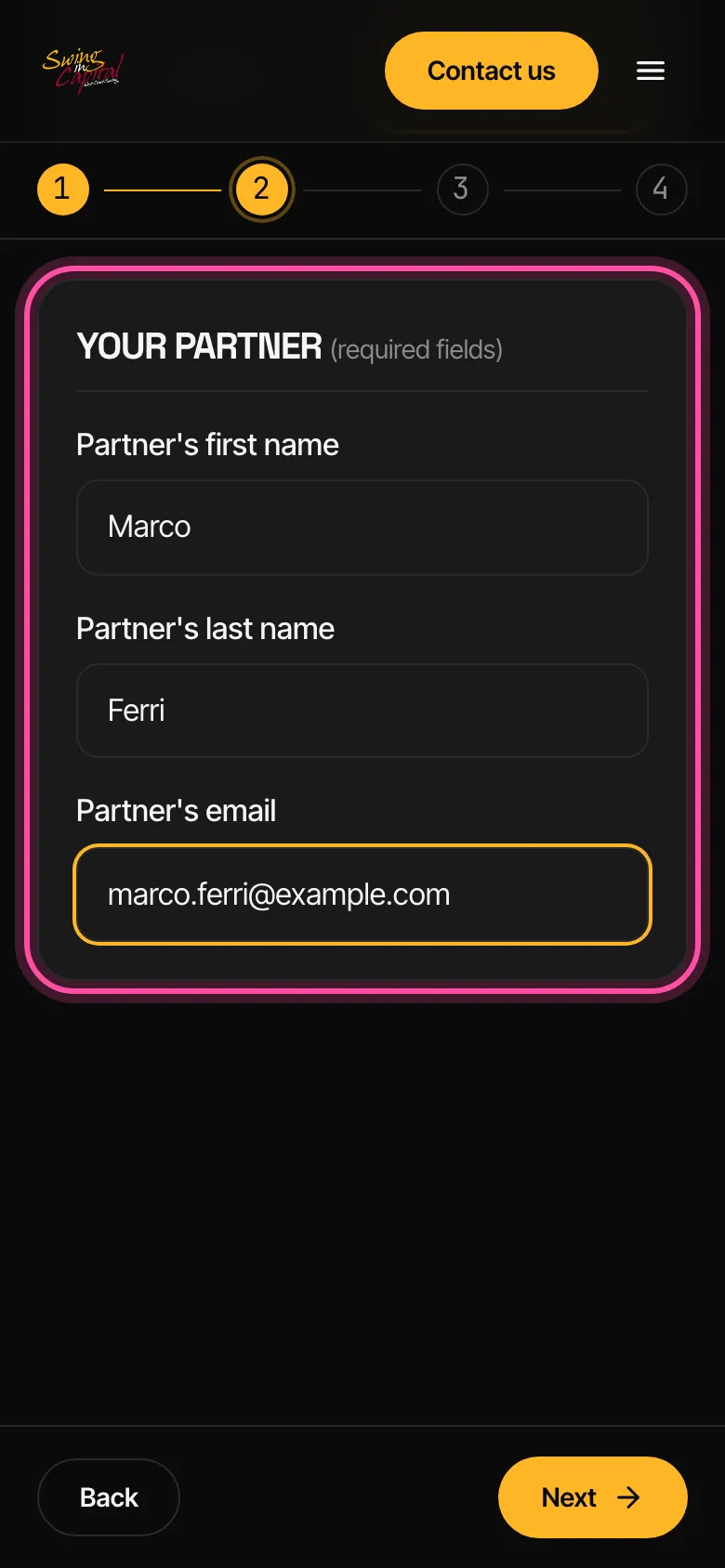
Registering as a couple? Name your partner
Each of you registers alone, whenever you want. Enter the name and email your partner registered with.
- 04
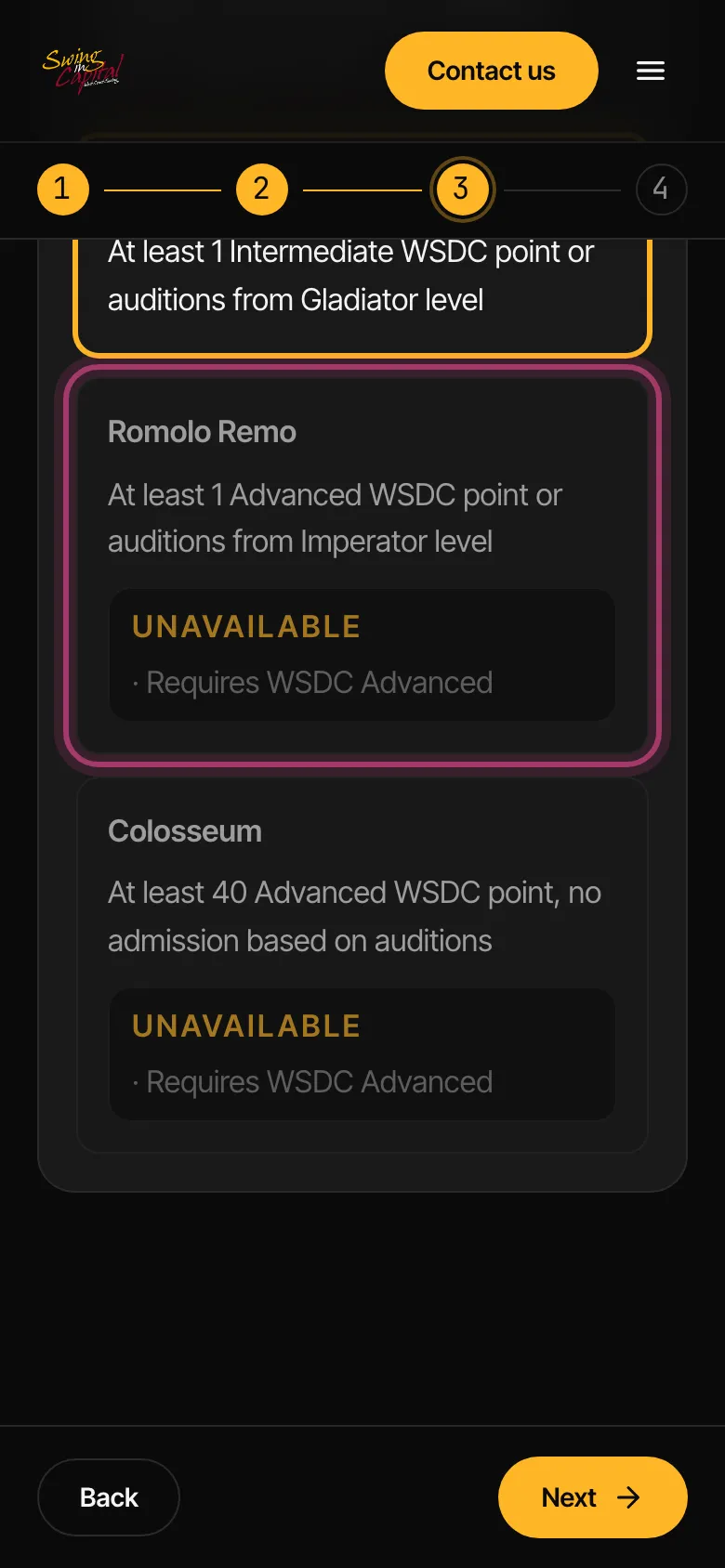
Pick your level
Levels you can't pick tell you why, and what unlocks them. No guesswork.
- 05
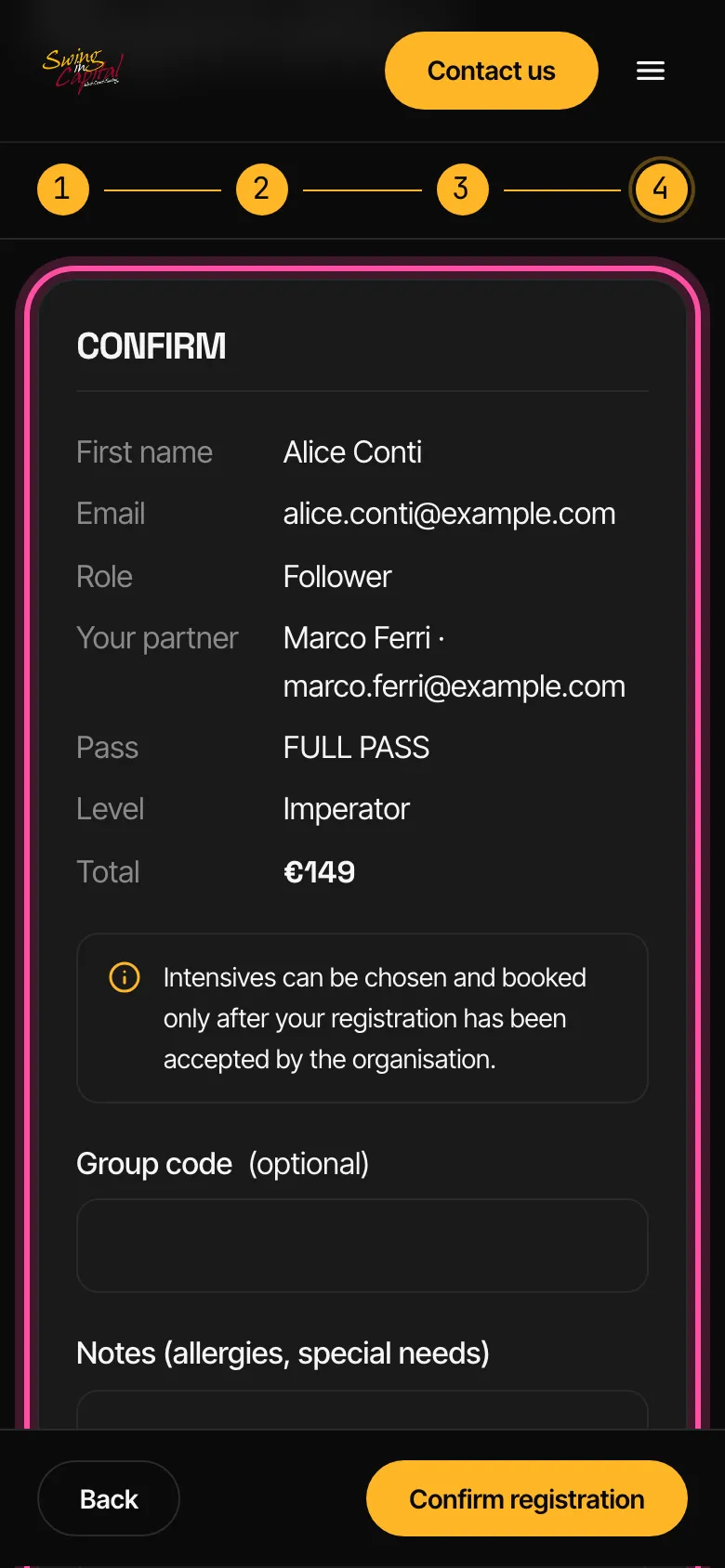
Check and confirm
One summary, the total, your codes. The confirmation email arrives in seconds.
- →
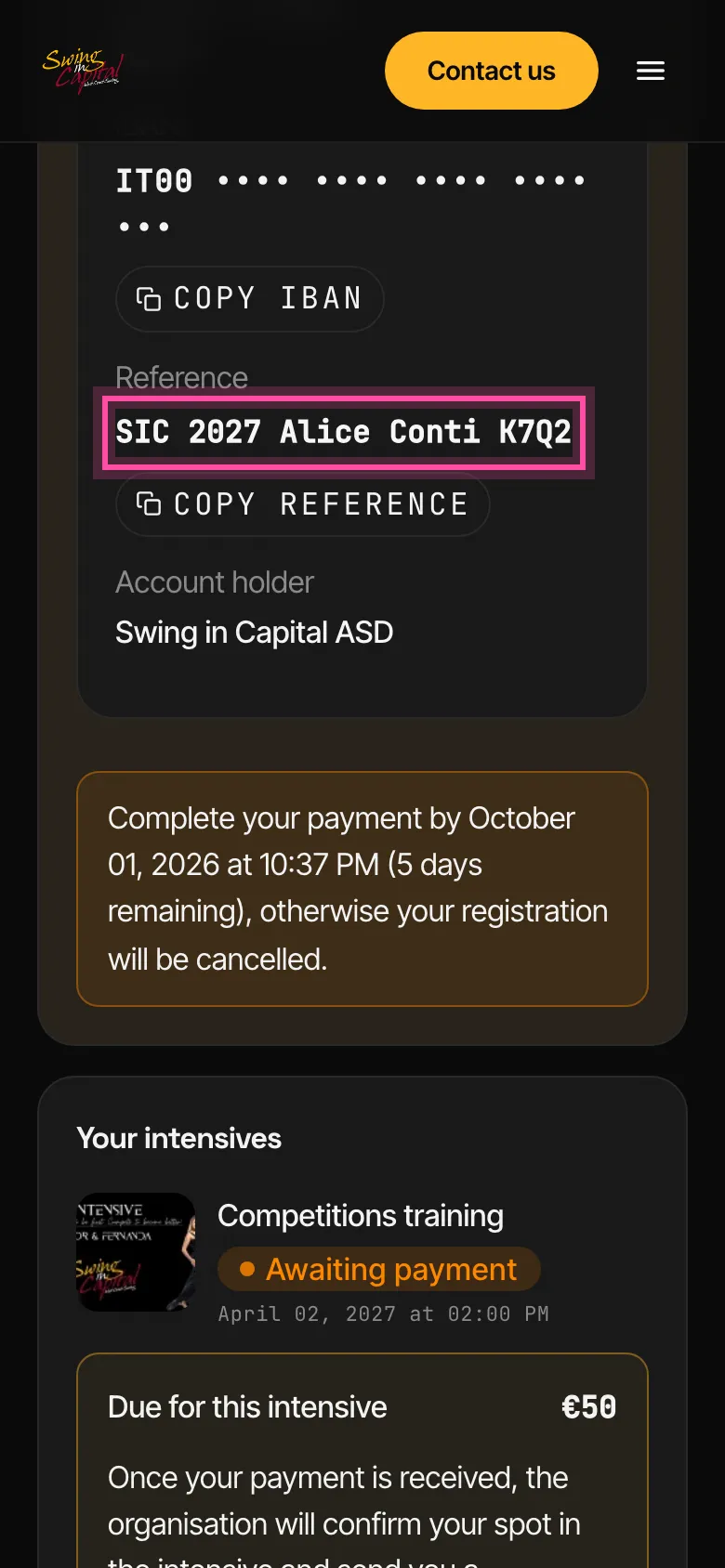
Go ahead and pay
The registration receipt email has the link to your personal page: go ahead and pay by copying and pasting the details shown on that page, so your bank transfer goes through correctly.
Opens on October 1 at 06:30 PM
Come back when it opens: the button to register will appear on its own.